





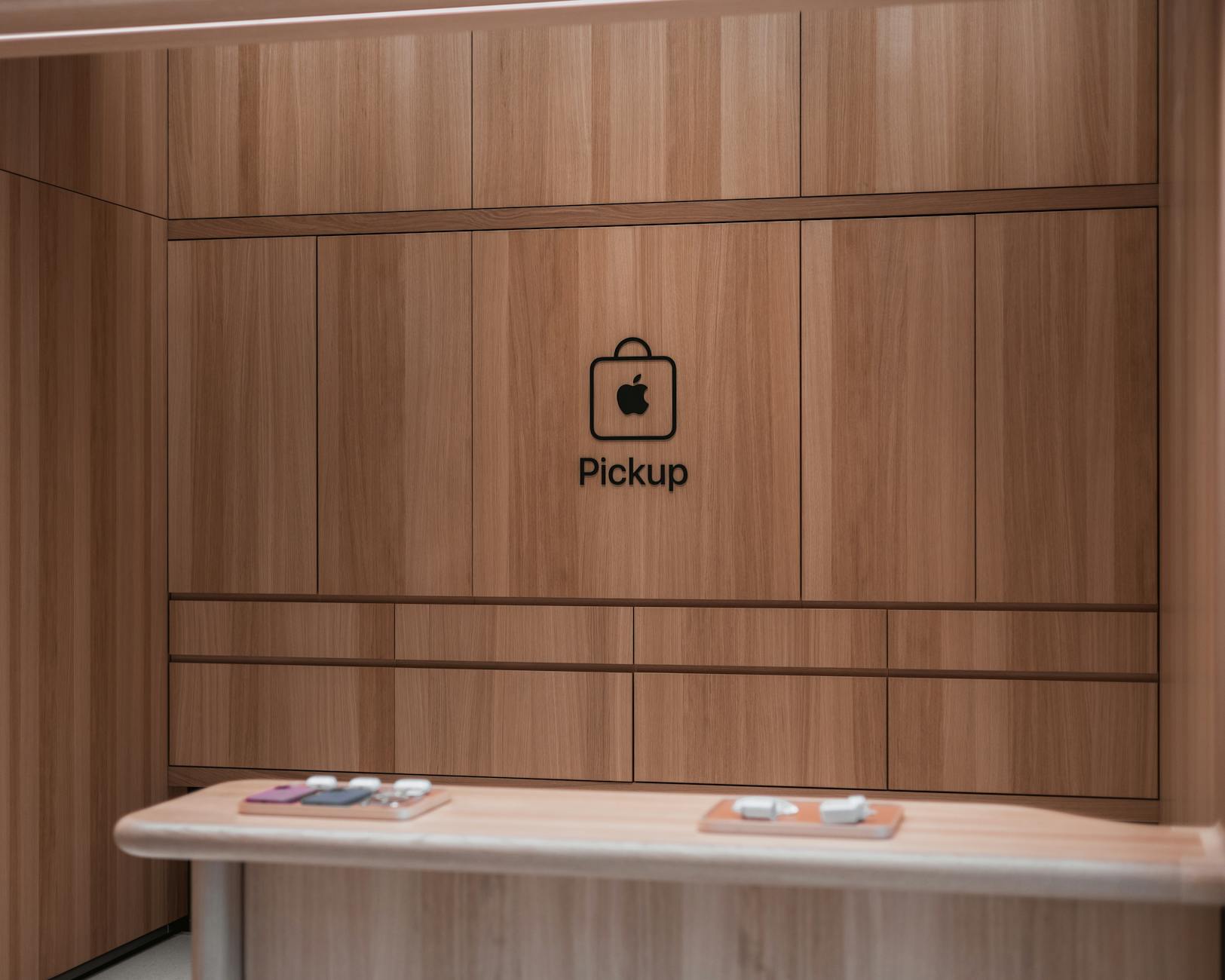
Ever wondered how to effortlessly book an Apple Store appointment? Discover the secrets to securing your genius session today!

Table of Contents
- Why Book an Appointment at the Apple Store?
- The Booking Process Made Easy
- What to Bring to Your Appointment
- Services Offered at the Genius Bar
- Considerations When Booking an Appointment
- Additional Tips for a Smooth Experience
- Maximizing the Benefits of Your Apple Store Appointment
- Conclusion: You’ve Got This!
If you’re a tech geek, you’ve probably had your fair share of excitement and frustration when it comes to Apple products. Whether you’re looking to upgrade to the newest iPhone, troubleshoot a MacBook, or explore the latest gadgets at the Apple Store, knowing how to navigate the appointment system can save you time and make your experience much smoother. Let’s dive deep into how you can unlock the genius of Apple retail through simple booking tips and tricks!
Why Book an Appointment at the Apple Store?
The Apple Store is more than just a retail space; it’s a hub for product launches, hands-on demos, and expert advice. But the beauty of the Apple Store is how it provides personalized customer service. When you book an appointment, especially for the Genius Bar, you ensure that you avoid long waiting periods and receive one-on-one time with Apple experts who can assist with your specific needs.
Appointments at the Genius Bar give you uninterrupted access to knowledgeable technicians who can help with everything from software updates to hardware repairs. In the fast-paced tech world, having quick and reliable support can mean the difference between a minor inconvenience and a major setback.
The Booking Process Made Easy
Scheduling an appointment at the Apple Store isn’t as daunting as it might seem. Here’s a step-by-step breakdown of how to secure your spot, whether it’s through the web or using the Apple Store app.
First off, having the Apple Store app downloaded on your mobile device is not just a good idea; it’s essential. The app is designed to lead you effortlessly through the store’s offerings, whether you’re looking for the latest products or emergency tech support. Notably, the app gives real-time updates on store activities, making it a handy companion.
If you prefer the desktop experience, start by visiting the Apple website and navigate to the ‘Support’ section. Once you’ve found the right category—be it Mac, iPad, iPhone, or Apple Watch— you’ll be prompted to select ‘Get Support’ to initiate the appointment booking process.
Next, you’ll input your device’s Apple ID and follow a series of prompts explaining the problem you’re experiencing. Normally, you’ll be afforded the opportunity to either visit a store directly or make an appointment at the Genius Bar. Apple will often show the nearest locations and available time slots, allowing you to choose what fits best into your schedule.
Keep in mind that availability can vary significantly between locations, especially near major product launches, so it’s wise to be flexible with your timing. Once you select your preferred appointment time, just confirm, and voilà! You’re all set for your visit.
What to Bring to Your Appointment
Once your appointment is on the books, it’s time to prepare for your visit. Make sure to bring all necessary items for the appointment, including your device, any accessories (chargers, cases, etc.), and also prepare to provide your Apple ID. If your device has physical damage, note that repairs might incur additional charges. It’s also a good idea to back up your device prior to your consultation, just in case you need to restore it afterward.
For those who are a bit more tech-savvy, familiarize yourself with troubleshooting steps for common issues. If you come prepared with the specifics of your problem, you can often streamline the process and get quicker solutions. That way, you’ll have your Apple device back in action, hopefully feeling as good as new!
Services Offered at the Genius Bar
The Genius Bar is a point of pride for Apple stores: a place where you can dive deep into the inner workings of your device. From diagnostics that help identify what’s potentially wrong to device repairs that can breathe new life into an ailing gadget, it’s an invaluable resource. Here’s a look at some of the key services offered:
Device Diagnostics: This is where the true technical expertise comes into play. Apple’s geniuses utilize specialized tools to pinpoint issues. Getting insights directly from experts saves you the time you’d spend Googling solutions or attempting to fix your problems through trial and error.
Hardware Repairs: Maybe your iPhone has a cracked screen or your MacBook is malfunctioning. The Genius Bar can tackle hardware repairs efficiently, often replacing components on the same day, especially if you book an appointment early.
Software Troubleshooting: Sometimes the problem isn’t with the hardware but rather with the software. Whether it’s an update issue or a forgotten password, consulte with technicians to navigate these software messes effectively.
Training and Support: The Apple Store staff offers workshops and seminars that take a deeper dive into utilizing your Apple device optimally. If you’ve ever wondered how to use certain features or apps, don’t hesitate to inquire about signing up for a session.
Considerations When Booking an Appointment
There are a few things you should take into account when booking your Apple Store appointment. Time of year can have a profound impact on availability. Given the frequent coveting of new products and ensuing rush, appointments can fill up quickly during initial releases and holiday seasons. Always try to plan ahead!
| Step | Action | Description |
|---|---|---|
| 1 | Visit Apple Website | Go to the official Apple website or use the Apple Support app on your device. |
| 2 | Select Support | Click on the “Support” option to access various services available at the Apple Store. |
| 3 | Choose Your Product | Select the specific Apple device or service you need assistance with. |
| 4 | Identify Service Type | Choose what kind of support you need, such as technical support, repairs, or setup assistance. |
| 5 | Book an Appointment | Follow the prompts to select a time and date for your appointment at your nearest Apple Store. |
| 6 | Receive Confirmation | Check your email or notifications for a confirmation of your appointment details. |
| 7 | Prepare for Your Visit | Gather any necessary information or documentation related to your device and issue. |
| 8 | Attend the Appointment | Arrive at the Apple Store on time, and be ready to discuss your concerns with a specialist. |
Also, consider your geographic location. Typically, metropolitan areas will have higher foot traffic in stores leading to a longer wait time if you choose to drop in without an appointment. The beauty of appointments ensures you aren’t left out in the cold—but it’s crucial to plan correctly.
Lastly, remember that missing your appointment isn’t ideal and can lead to unnecessary hassle—ensure to re-confirm your appointment the day prior and let the staff know if you cannot attend as a courtesy!
Additional Tips for a Smooth Experience
Having an appointment is just half the legwork done. Here are some additional tips to ensure everything goes as planned:
Arrive Ahead of Time: Get to the store 10-15 minutes earlier than the allotted appointment time. It provides some leeway for a smooth check-in process and ensures you won’t feel rushed.
Be Ready to Explain Your Issue: Make notes on specific issues you’re experiencing. If possible, document the steps you’ve already taken to resolve these problems. Being specific may save you both time and enhance your likelihood of the issue being resolved.
Keep Calm and Stay Patient: Technology can be finicky, and sometimes fixing it takes longer than expected. Stay upbeat—even if it feels like your device is hopeless, Applе staff are skilled problem-solvers and can offer effective remedy paths.
Maximizing the Benefits of Your Apple Store Appointment
More than just fixing problems, an appointment can leave you with newfound knowledge about your Apple products and additional techniques on optimizing usage. After your appointment, don’t hesitate to maintain the genius relationship. Engaging with the community can lead you to greater expertise and potential career pathways if you’re contemplating tech professions.
Incorporating resources like TKLY into your reservoir of knowledge, considering their tech news and how-tos, can significantly enhance your understanding of new developments in the Apple ecosystem or technology in general. Staying updated allows you to maximize the innovations and features that come with the devices you love.
Conclusion: You’ve Got This!
Your journey at the Apple Store doesn’t have to be complicated. By understanding how to book an appointment, what to prepare for, and maximizing the expertise available at the Genius Bar, you’re set to tackle any tech challenge that comes your way. So gear up, manage your appointment smartly, and dive into becoming equipped with knowledge and solutions! With the right preparation and mindset, you’ll ensure that your Apple experience is truly genius.
“`
This blog post encapsulates the essence of an appointment at the Apple Store in a way that resonates well with tech enthusiasts, while dropping in TKLY naturally for contextual relevance.
FAQ
Question 1: How far in advance should I book an Apple Store appointment?
Answer 1: It’s best to book your appointment at least a few days in advance, especially during peak times like new product launches or holidays. This helps ensure you get the time slot that works best for you.
Question 2: Can I walk into an Apple Store without an appointment?
Answer 2: Yes, but it’s not recommended. Walk-ins may encounter longer wait times, especially during busy periods, and you might not be guaranteed assistance the same day.
Question 3: What items should I bring to my appointment?
Answer 3: Bring your Apple device, any accessories (charger, case), and be ready to provide your Apple ID. If applicable, back up your device to prevent data loss during repairs.
Question 4: What if I need to reschedule my appointment?
Answer 4: You can easily reschedule your appointment through the Apple Store app or website. Ensure you do this well in advance to secure a new time slot.



